
 Home
Home  Apps
Apps  Games
Games  Windows
  Terms of Service
  Cookies & Privacy Policy
  About us
FamilyLife ®

 4.7
4.7 10,000+ Downloads
/ Version
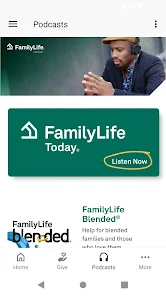
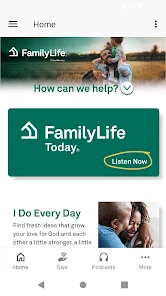
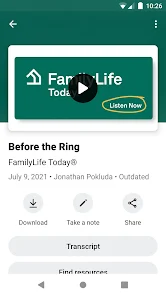
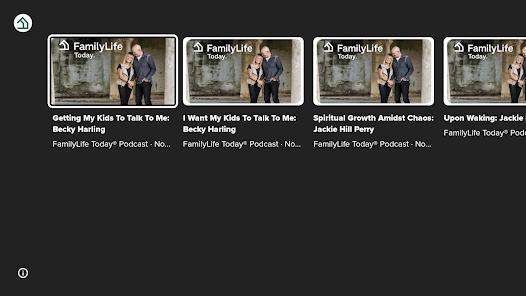
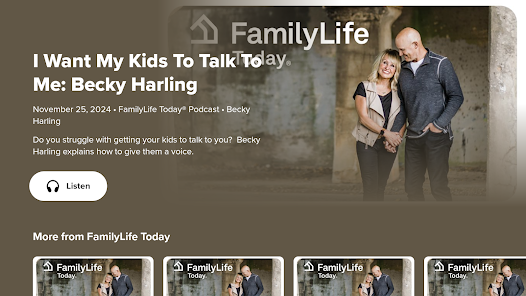
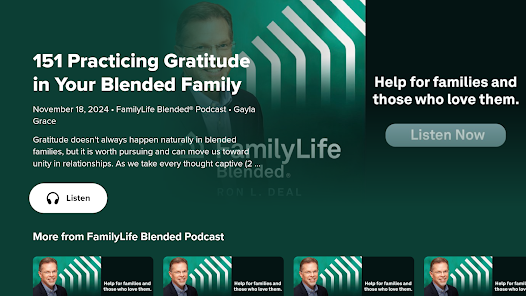
Information
- Category: Lifestyle
- Price: free
- Age Rating: Everyone
- Available on: /
- Developer: FLTI Apps
- Updated on: Jun 27, 2026
Pros 
-
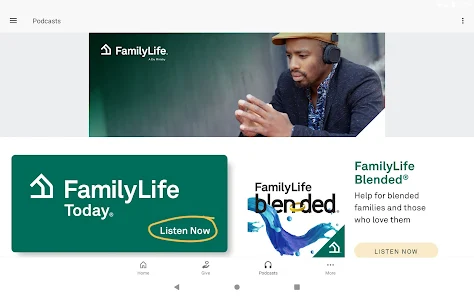
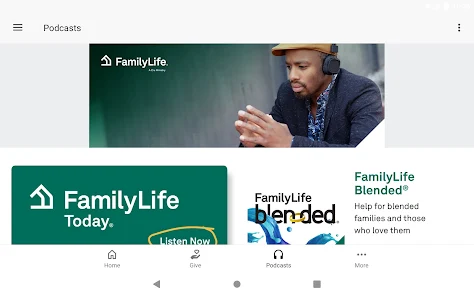
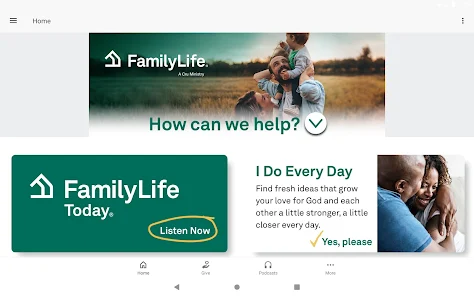
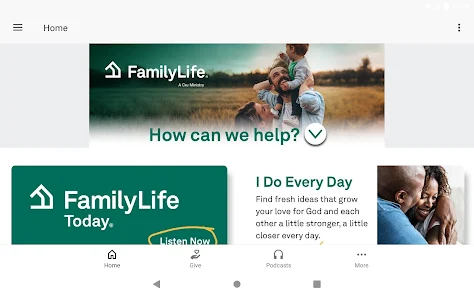
 Discover the FamilyLife® app!
 - Strengthen family bonds daily.
- Access expert relationship tips.
- Engaging activities for all ages.
- Track your family's growth together.
- Share experiences with loved ones.
Cons 
-
 Limited customization options
 - In-app purchases can add up
- User interface may feel cluttered
- Occasional technical glitches occur
- Not suitable for all family types
Get Installation Details  Google Play
  App Store
Google Play App Store User Reviews
(45 Reviews) Sara Fisher2024/01/11
With a recent update, the daily devotional no longer works. I enjoy the content, but it doesn't work anymore. When you click on the day's devotional, it now just goes to the very bottom of the page for the whole month. I hope it can be fixed!
- Laura Kristie Hensley2022/06/30
One of the most interesting and informative and uplifting streaming services that's actually free! That's why it's sooo important to donate when possible if you enjoy. I love this and listen on line, and in my car when driving.. thank you!
- Sara Bush2021/01/19
I've only read one article that was sent to my email so far... But I enjoyed it very much & was very much intrigued to read more. So, for now I'll give it 5 stars unless something comes up that makes me feel/think otherwise.
- S Osthoff2022/07/06
I love these podcasts! If possible, can you add an option to check off when I've listened to a podcast? Sometimes I want to find one I've already listened to so I can listen again.
- David Hogden2021/06/16
I have been listening now for about a year nd a half although as I'm just an age pentoiner I'd have been far better of if Id discovered this show ten years ago as I maynot be in so much strife as I'm in at the momnt, but as I'v been able to have such insight as you bring in these braudcasts I'm now able to give some insight to the rest of my famley,THANKS to FAMLEY LIFE TODAY. Yours David.!
Review Source: Google Play store public user reviews.
FAQ
Can I submit suggestions or feedback to FamilyLife®?
Yes, users can submit feedback and suggestions through the app or the official website.
Does FamilyLife® collect my personal data?
FamilyLife® may collect personal data to enhance user experience, but it prioritizes user privacy and data security.
Does FamilyLife® support offline use?
Yes, FamilyLife® allows users to access certain content offline after downloading it.
How do I cancel my FamilyLife® subscription?
You can cancel your subscription through your app store settings or by contacting customer support.
How much does a subscription to FamilyLife® cost?
Subscription costs vary; check the app for current pricing and available plans.
How to use FamilyLife ®
How can I contact Customer Service for the FamilyLife® app?
You can reach Customer Service by calling the support number provided in the app or visiting the official FamilyLife website for assistance.
How do I activate my FamilyLife® app account?
To activate, check your email for a confirmation link from FamilyLife, and click it to verify your account.
How do I log in to the FamilyLife® app?
Open the app, enter your registered email and password, then tap 'Log In' to access your account.
Is activation necessary for the FamilyLife® app?
Yes, you may need to activate your account via a confirmation email sent after registration. Follow the link in the email to complete activation.
What is the Customer Number for FamilyLife® app support?
The Customer Number is typically found in the app's settings or on the FamilyLife website under the support section.
What's New
- What's new- Group managers can now take attendance on Group Events.- Users can now use their phone number to log in or create accounts. Currently available in the U.S. and Canada.Improvement- Bug fixes and general performance improvements.
Similar Apps
















You May Like

Substack
Substack Inc.
4.8

Ring - Always Home
Ring.com
4.6

Vivint
Vivint Home
4.3

Hubspace
Afero
4.7

ecobee
ecobee inc.
4.3

Uniee: Easy Chat & Local Date
UltraMatrix Limited
4.3

Happy New Year Wallpaper 2026
AlHai Softs

Spirit Box: Ghost's Whispers
Eritron
4.0
Merge Labs NRW2
Merge Labs
4.7

Liven: Discover yourself
LivenTech
4.3

Gaia: Streaming Consciousness
Gaia, Inc.
4.6

Back to the Future WatchFace
Michael T.